Quarter Guide
XM Minimum Deposit in Singapore (2026): SGD Funding, Accounts and How to Start
The commonly published XM minimum deposit in Singapore is USD 5 or the equivalent. Compare account minimums, SGD funding and first-deposit steps.
Published · Facts verified
The short answer
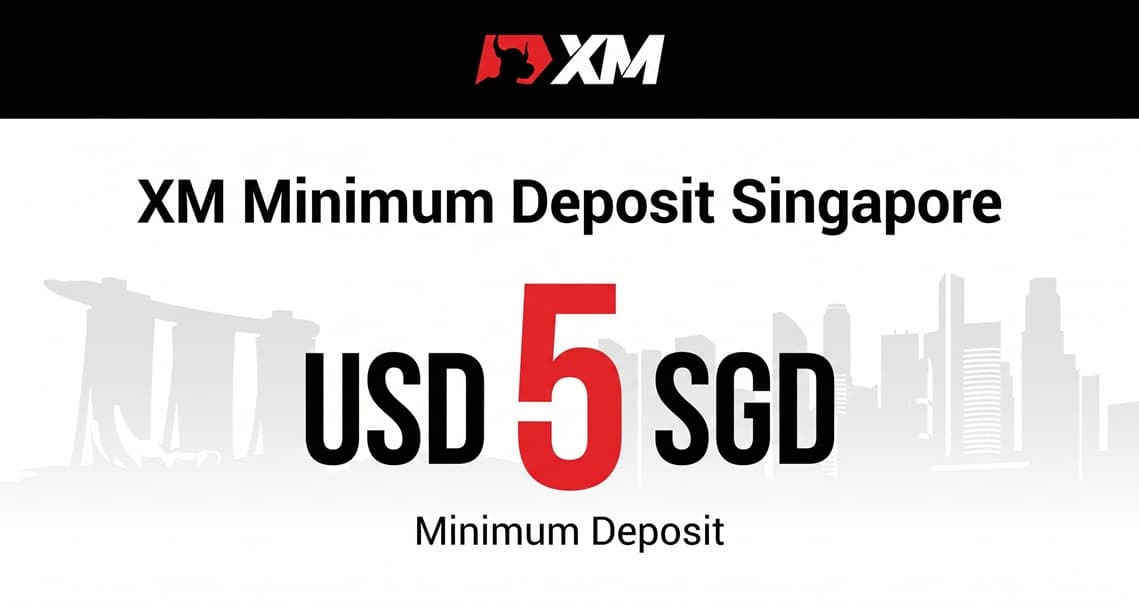
The commonly published XM minimum deposit for Singapore traders is USD 5 or the equivalent on Standard and Ultra Low accounts. It is one of the lowest entry points among international MetaTrader brokers. The number that actually applies to you can differ slightly in two ways: the account type you pick, and the payment method you fund with, each of which can set its own minimum.
Opening the account itself is free, so you can register, see the exact menu XM shows Singapore residents, and check the live minimum for your preferred funding method before committing anything.
Enter partner code PC888 if the registration form shows a partner-code field.
Terms apply and offers can change — always confirm on the official site.
Minimums by account type
XM's international account page currently publishes:
| Account | Published minimum | SGD funding | Promotion eligibility |
|---|---|---|---|
| Standard | $5 (or equivalent) | Converted to account base currency; rate shown first | Bonus-compatible where promotions are offered |
| Ultra Low | $5 (or equivalent) | Converted to account base currency; rate shown first | Typically reduced — tighter spreads instead |
| Shares | $10,000 | Converted to account base currency; rate shown first | Not a bonus product |
Which of these appears in your application is decided by the XM entity serving Singapore at registration — the menu you see after selecting Singapore as your country of residence is the current one.
Is the minimum exactly SGD 5?
No — the published figure is USD 5 or its equivalent, not SGD 5. XM trading accounts have a base currency, and when you fund from Singapore in SGD, your payment is converted into that base currency. XM shows the applicable exchange rate before you confirm any deposit in WebTrader or the XM App, so the SGD amount you actually pay is visible upfront.
If you expect to deposit regularly, choose an account base currency that minimises repeated conversion — every conversion has a cost embedded in the rate, even when no fee line appears.
Payment-method minimums
XM's help centre states the general minimum deposit (and withdrawal) is $5, while individual payment methods can set their own. The reliable way to check yours:
- Register and log in to WebTrader or the XM App.
- Open Funding → Deposit.
- Select a method shown for your Singapore profile — its minimum, currencies and processing details are displayed there.
That live screen beats any fixed list (including this page) because providers and regional availability change. XM states it charges no deposit fees of its own; your bank or card issuer may. Getting money out works in reverse and has its own timings — covered in our XM withdrawal guide.
Which account for Singapore beginners?
Both $5 accounts are legitimate starting points. The practical difference: Standard builds costs into a wider spread and participates in promotions where offered; Ultra Lowtrades tighter spreads against reduced bonus eligibility. Don't decide on the minimum deposit alone — compare the spreads on instruments you actually trade, platform availability (MT4/MT5), and whether the promotion shown to you applies. A free demo account lets you test all of it with virtual funds first. Our full XM review covers the account types in detail.
Deposits and the bonus tiers
Eligible new clients registering through the PC888 partner offer may see XM's advertised promotions — a $30 no-deposit bonus plus deposit bonuses starting at 100% up to $200. Two accuracy notes: availability is regional and never guaranteed (the offer screen in your own Member Area is the final word for Singapore accounts), and bonus credit is trading credit, not withdrawable cash. The full conditions are documented in our XM $30 bonus check.
XM minimum deposit Singapore — FAQ
Can I open an XM account from Singapore without depositing?
Yes. Registration is free, and you can review the account menu shown for Singapore and practise on a demo account with virtual funds before deciding whether to fund a live account.
Can I deposit in Singapore dollars (SGD)?
Yes — XM accepts deposits in different currencies. Where your payment currency differs from the account's base currency, the funds are converted and XM displays the exchange rate before you confirm the deposit in WebTrader or the XM App.
Does XM charge a deposit fee in Singapore?
XM states it does not charge its own deposit or withdrawal fees. Your bank, card issuer or payment provider may apply separate charges, and currency conversion has a cost embedded in the rate — review the confirmation screen before paying.
Where do I see the exact minimum for my payment method?
Log in to WebTrader or the XM App and open Funding → Deposit. Selecting a method shows its current minimum, supported currencies and processing details for your Singapore profile — the live screen is the authoritative figure.
Do I need partner code PC888 to get the minimum deposit?
No — the $5 minimum applies with or without a code. PC888 links your registration to this site's partner offer, which for eligible countries includes XM's advertised signup promotions. It never changes deposit requirements, spreads or fees.
Partner code: PC888. Registration is free — fund only after comparing the accounts shown for Singapore.
Terms apply and offers can change — always confirm on the official site.
Related coverage
- XM Minimum Deposit by Account TypeThe global $5 starting point and account-by-account comparison.
- XM Review 2026Entities, account types, spreads and withdrawals in full.
- XM $30 No-Deposit Bonus: the termsWhat the no-deposit credit actually allows.
- XM Partner Code PC888Where the code goes and what it changes.
- XM Withdrawal TimeWithdrawal timings, methods and preparation steps.